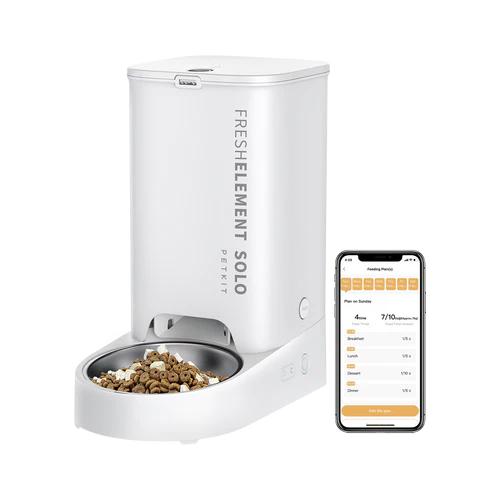
Elements Solo
Platform
ESP32
Available Firmware
a modified version of the firmware is used, the downgrade is supported. Firmware is installed via OTA.
1.262
Newest Firmware
1.267
Features
- Every Feature the Petkit-App has.
- Bluetooth Proxy is currently NOT supported
- Battery-Powered mode is not tested
Actions
| Action | Description |
|---|---|
| Start Feeding | Start manual Feed |
Get Started
WARNING
For the device to be used with Localkit, it must be added in the Petkit app. Devices that have not been added to the network via the Petkit app are currently not supported!
If everthing is set uo correctly, please reboot the device. The device should be visible in the Localkit UI:
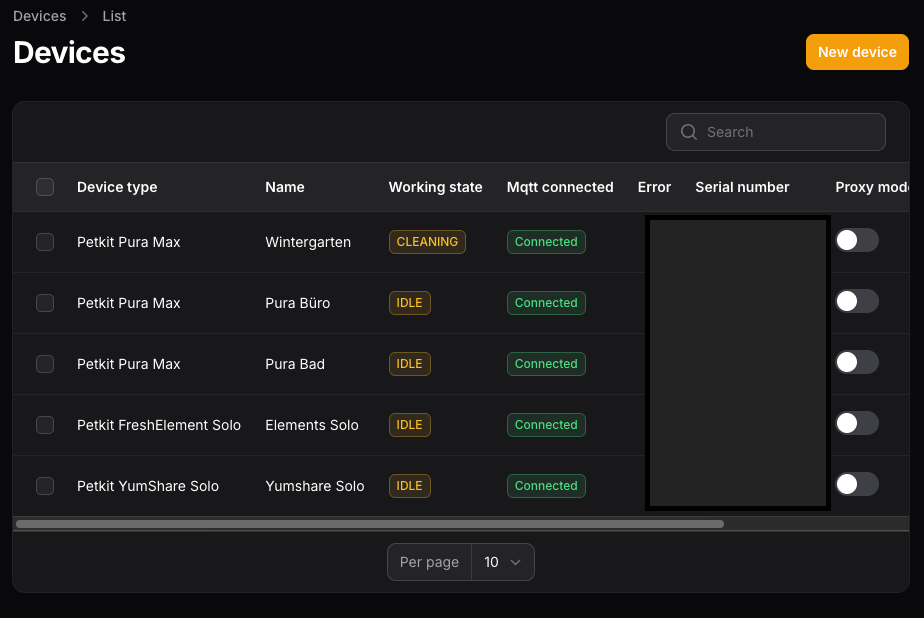
- Enable "Proxy Mode" and Enter the Edit View with a click on "Edit".
- Check the "OTA State" Checkbox and press "Save", please enter a "MQTT Subdomain" too.
- The device should now be start to update the firmware.
- Afterwards the Device should show "Connected" to the MQTT, and is controllable via UI.
Your Finish 😃